




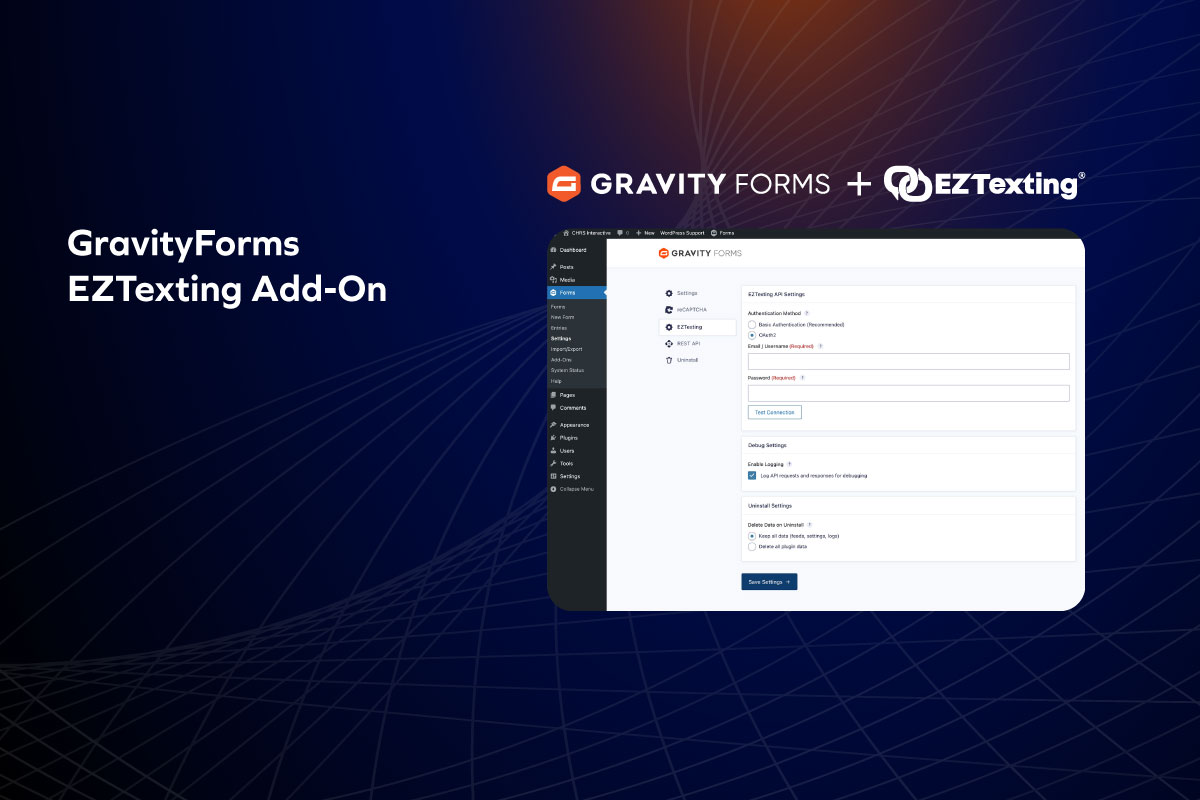
If you’re using Gravity Forms to collect leads and EZTexting to reach them, you already know the workflow. Someone fills out a form. You get a notification. Then you copy their phone number, name, maybe an email address, and paste it into EZTexting. Or you set up a Zapier automation and pay for the privilege of connecting two tools that should just talk to each other.
We built a plugin that skips the middleman entirely.
If you’re already sold, here’s the download link: CHRS EZTexting Sync for Gravity Forms
If you want to know what it actually does and how it works, keep reading.
Why We Built The Plugin
The manual copy-paste thing works fine when you’re getting a handful of submissions a week. But it doesn’t scale, and it’s easy to miss one or fat-finger a phone number. Zapier solves the automation problem, but now you’re paying a monthly fee for something that feels like it should be built-in.
What we wanted was simple: someone submits a form, their contact info lands in EZTexting. Automatically. No extra tabs, no third-party service, no monthly cost.
So we built it.
What the Plugin Does
The core functionality is straightforward—form submission creates a contact in EZTexting. But there’s flexibility built in for more complex setups.
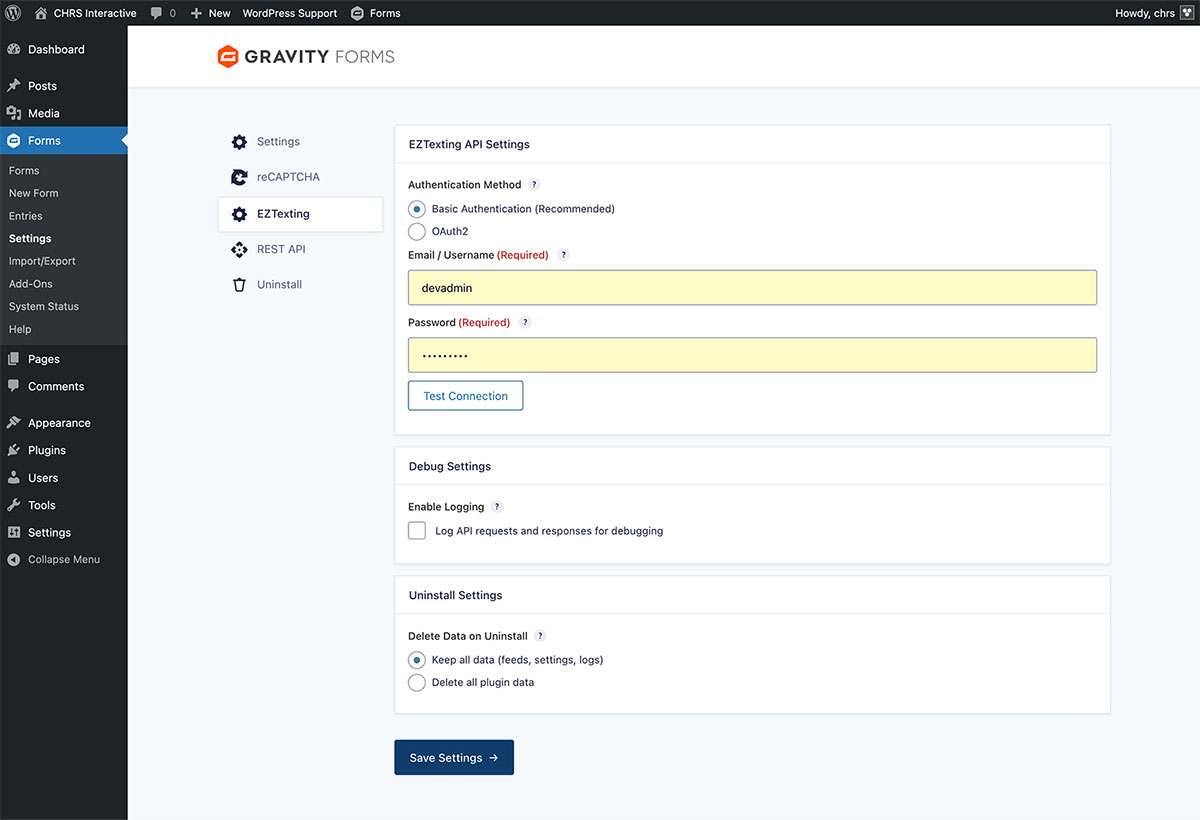
Field mapping. You decide which form fields go where. Phone number is required (it’s EZTexting, after all), but you can also map first name, last name, email, and any custom fields you’ve set up in your EZTexting account.
Group assignment. You can automatically add contacts to one or more EZTexting groups when they submit the form. Handy if you’re segmenting your list by lead source, interest, or anything else.
Conditional logic. Maybe you only want to sync contacts who check a specific box, or who select a certain option from a dropdown. The plugin supports Gravity Forms’ conditional logic, so you can set rules for when the sync should (or shouldn’t) happen.
Multiple feeds per form. If you need different rules for different scenarios—say, one group for newsletter signups and another for quote requests—you can create multiple feeds on the same form.
Entry notes. Every sync gets logged directly on the form entry. You can see exactly what was sent, whether it succeeded, and if it failed, why. No guessing.
How It Works
Setup takes a few minutes.
- Install and activate the plugin (it’s free on WordPress.org)
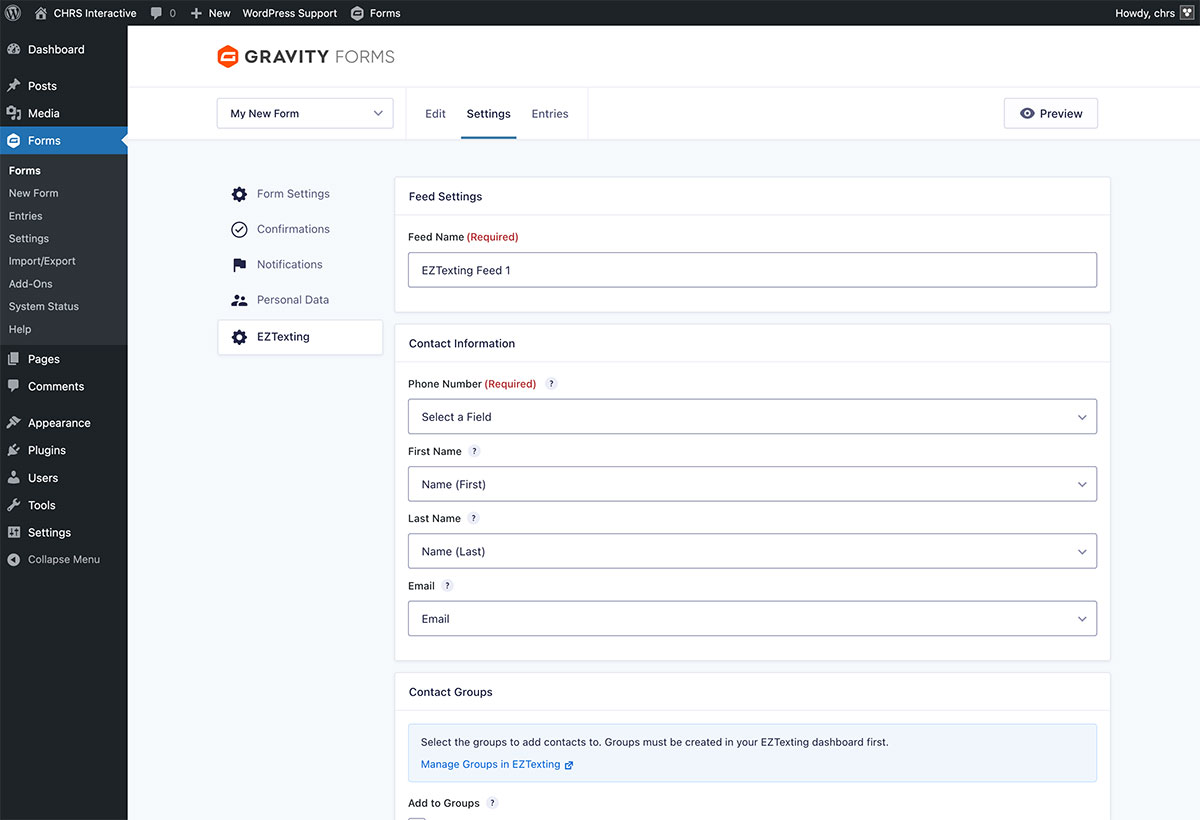
- Go to Forms → Settings → EZTexting and enter your API credentials
- The plugin supports both Basic Authentication and OAuth2—use whichever your EZTexting account is set up for
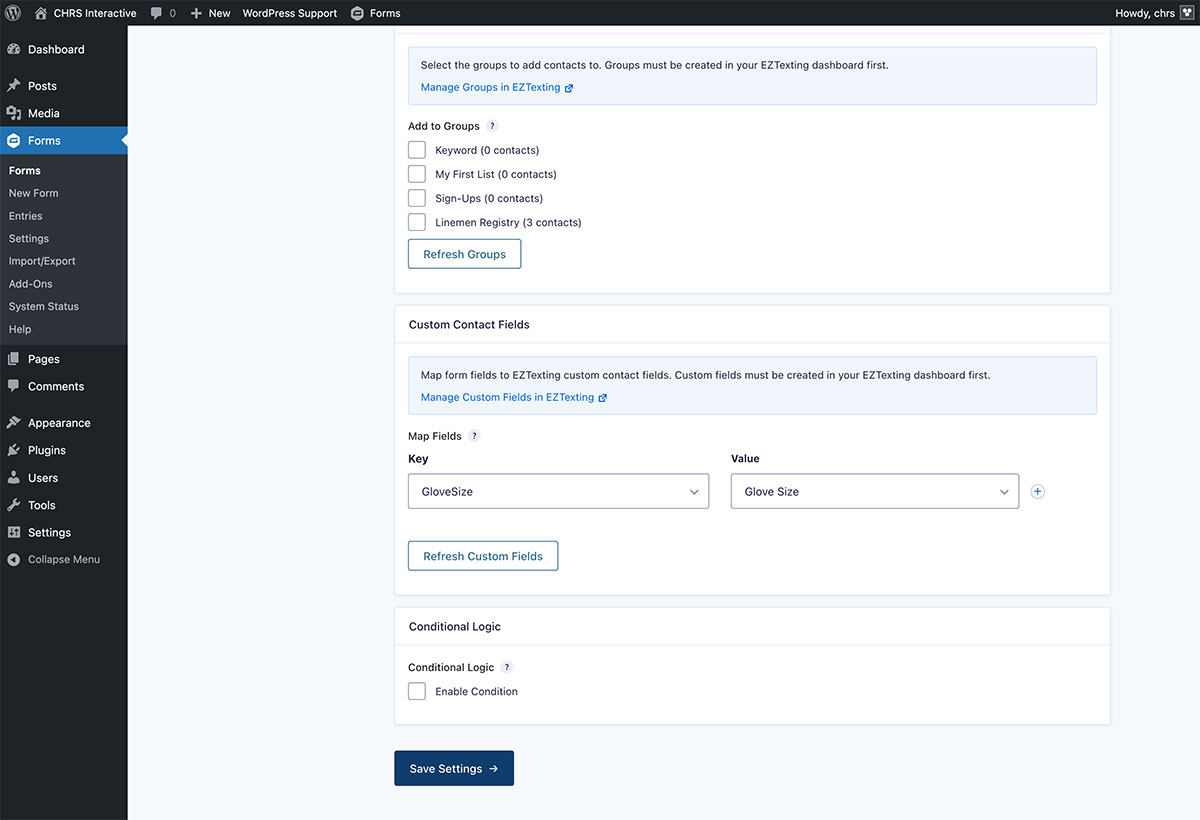
- Create a feed on any Gravity Form you want to connect
- Map your form fields to EZTexting contact fields
- Select which groups to add contacts to
- Save the feed
That’s it. Form submissions now sync to EZTexting automatically.
What Happens If Something Goes Wrong
The plugin is designed to fail gracefully. If the API call to EZTexting fails for any reason—bad credentials, network issue, invalid phone number—the form submission still completes normally. Your visitor won’t see an error or lose their submission.
On the backend, you’ll know something went wrong. Failed syncs are logged with details, and you’ll see an admin notification. The entry notes will show exactly what happened so you can troubleshoot without digging through server logs.
Requirements
Before you install, make sure you’ve got:
- WordPress 6.0 or higher
- PHP 8.2 or higher
- Gravity Forms 2.5 or higher
- An active EZTexting account with API access
If you’re already running Gravity Forms and EZTexting, you probably meet all of these.
Get the Plugin
It’s free. No premium tier, no upsell, no “unlock advanced features for $99/year.” If you’re using both tools, this just removes the busywork between them.
Download it here: CHRS EZTexting Sync for Gravity Forms